
AI Exterior Design for Your House
Try AI exterior design with a photo of your house. Preview siding, trim, entry colors, and materials before buying. Start with 3 free 1K concepts.
Exterior design affects how a house sits in its landscape and how materials weather. Begin with the roof, windows, masonry, and fixed elements that will remain.
How to Use AI Exterior Design
Start with a clear reference for your exterior design, then compare a visual style before choosing real materials. The uploader is on this page, so you can prepare the photo and begin a design without moving to another tool. Use the following steps to make the comparison useful for your own project.
1. Upload a reference that shows the space
Choose a bright, level photograph that includes the main surfaces and fixed features. Avoid a tight detail shot that removes the context. Check the preview before submitting and remove personal documents or other details you do not want in the reference. Keep the original image so you can compare the result with the space you actually have. A photo does not replace the measurements or site information you will need later.
2. Set optional preferences and check the resolution
Generate with the page's preset goal and AI-recommended style, or choose optional room and style preferences. The six style presets are Modern, Scandinavian, Japandi, Farmhouse, Industrial, and Mid-century. You can add up to 500 characters of instructions, such as keeping a sofa or choosing warm wall colors. These preferences guide the whole-image design; there is no brush or mask for selecting specific pixels. Before a purchase, generation is limited to 1K. A plan or credit pack unlocks higher resolutions, with the credit cost displayed before generation. Prepare the reference first, since selecting a photo does not consume credits.
3. Compare the concept with your original
Review colors, finishes, texture, and the overall atmosphere, then check doors, windows, proportions, and other fixed details. The generator aims to retain the structure and viewpoint, but objects and details can change. Record the ideas you want to investigate and set aside inaccurate features. If you compare another style, keep the reference consistent so the differences are easier to understand. Save the result as a visual brief, then verify dimensions and products independently.
Exterior design: Before & After Concept
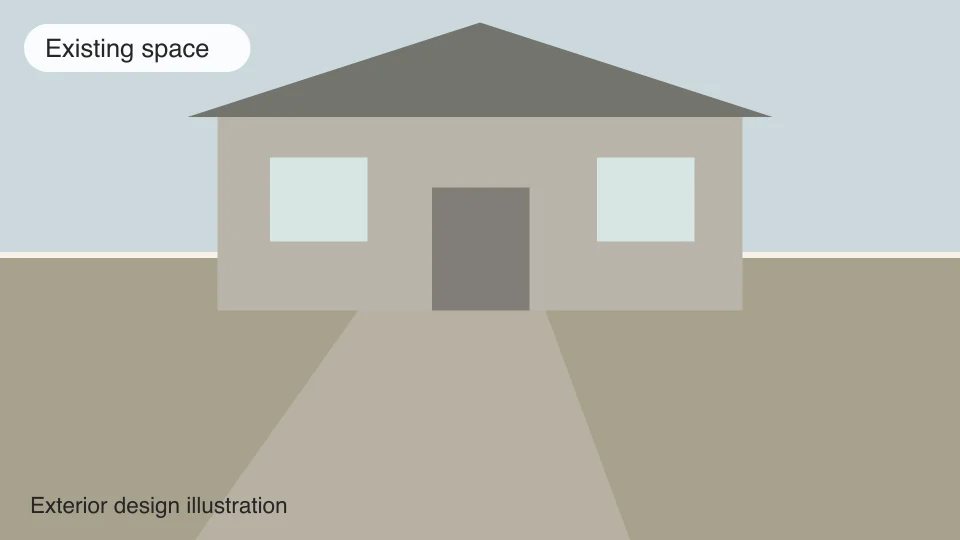
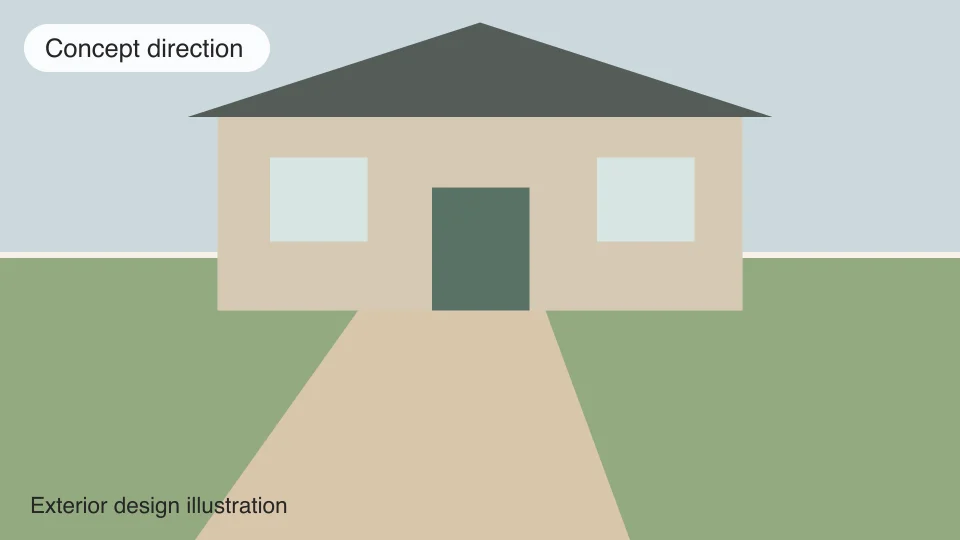
Exterior Design Ideas & Costs
Test siding and trim colors in relation to the roof rather than in isolation. Consider the entry door, porch lighting, and the transition from walkway to threshold. Use large material samples outdoors at different times of day because direct sun can change color dramatically.
Painting and replacement siding have very different scopes. Surface preparation, repairs, scaffolding, masonry, windows, and climate exposure can dominate cost. Ask for a written breakdown of preparation and warranty terms, not just a color rendering.
Check local permit or neighborhood rules and inspect moisture issues before covering them. Plan exterior decisions before spring contractor schedules fill, but wait for suitable weather for coatings and installation. A photo concept cannot evaluate the condition beneath a facade.
Compare Exterior Colors With the Roof and Site
Use a photograph that includes the roof, siding, trim, doors, windows, and enough of the surroundings to show the context. Existing brick or stone can limit the palette even if you intend to repaint other surfaces. AI exterior design helps compare a quieter combination with a more contrasting entry or trim direction. Check whether a result has changed a window shape, invented a porch, or altered the roofline before judging the finish. The generator focuses on visual styling, so any architectural change in the image needs a separate feasibility review.
Test Exterior Materials in Real Outdoor Light
A screen image can make a finish look warmer, smoother, or more uniform than the actual product. View siding, paint, trim, and roofing samples outside against the surfaces that will remain. Observe them at different times of day and consider nearby buildings, trees, and paving. Think about cleaning, weather exposure, and how repairs will be matched later. A dramatic exterior palette may be attractive but impractical for the site or maintenance budget. Use the saved concept to communicate the relationship between colors, then choose actual products from physical samples and supplier information.
Define the Exterior Work Before Requesting Quotes
Separate painting and finish replacement from changes to doors, windows, porches, or drainage. Ask installers to assess the existing substrate and record preparation work that an image cannot show. Compare written quotes for the same measured areas and products, including access, repairs, removal, and disposal where relevant. Check the applicable property and approval requirements before commissioning work. Keep the original house photo with your preferred exterior design so the contractor can see what remains. The generated image is a reference for appearance rather than a specification or assessment of the building envelope.
Free Credits and Resolution Choices
The anonymous trial includes three free credits, enough for three 1K designs, shared across all the tools on this site. It does not require a login or credit card. After the trial, paid generation requires an account and design credits. Email signup requires verification; use the account links to continue with the available sign-in options.
Generation uses 1 credit at 1K, 3 credits at 2K, or 6 credits at 4K. The uploader shows the selected cost and its free/paid split before you submit. After a successful purchase, your remaining free credits are used first at any unlocked resolution, and paid credits cover the rest. Higher resolution provides more image detail rather than more accurate dimensions or a construction specification. Review the plans and credit options if you need more comparisons, and choose a resolution that suits how you intend to view the concept.
Plan Your Outdoor Project for the Local Season
Photograph the site now, note where sun and water move, and collect measurements, local rules, and material samples. Planning ahead gives you time to compare options before the appropriate local planting or building season. Confirm plant suitability, drainage, structural work, and permits with local specialists before installation.
Frequently Asked Questions About AI Exterior Design
- How do I start with ai exterior design?
Upload a clear photograph or reference sketch and submit a design with this page's preset goal. Room and style preferences are optional, and you can add up to 500 characters of additional instructions. The generator uses the reference to create a visual concept for your exterior. Review the result alongside the original: objects, proportions, and details can change, so it is a starting point for comparison rather than a promise of an exact renovation.
- Can I try ai exterior design without signing in?
Yes. The anonymous trial includes three free credits, enough for three 1K designs, without a login or credit card. These credits are shared across the site rather than renewed for each tool. Selecting a photo does not consume credits. A successful purchase unlocks higher resolutions and uses remaining free credits first; email signup requires email verification.
- What makes a useful reference photo?
Show the whole exterior or the relevant site from a level viewpoint, with enough light to see fixed features and surface colors. Avoid heavy filters, extreme wide-angle distortion, or close-ups that hide the surrounding space. Remove personal documents and anything you do not want included before uploading. The generator accepts a reference image, not a survey of hidden conditions.
- Can I choose a higher image resolution?
Before purchase, generation is limited to 1K. A successful plan or credit-pack purchase unlocks 1K, 2K, and 4K, with remaining free credits used first and paid credits covering the rest. The total cost and free/paid split are shown before submission. Higher resolution adds image detail; it does not make a design dimensionally accurate or confirm materials, product availability, engineering, or installation costs.
- Can I change just one surface or move a wall?
You can describe preferred wall or floor changes in Additional instructions. Room and style preferences are optional. The generator aims to retain the original structure and viewpoint, but exact object or pixel preservation is not guaranteed. There is no brush or mask control for selecting only one local area.
- Is a exterior concept a measured construction plan?
No. Check every dimension on site, compare physical samples, and confirm the proposed scope with the relevant professional before buying or building. The image does not inspect wiring, plumbing, structural capacity, drainage, or other hidden conditions. Use a separate measured drawing when dimensions or approvals are needed.
- Can I test exterior colors from a photo?
A photo can help compare broad directions, but confirm finalists with large physical samples on the house in real daylight.